
Redeem Cashback at Square POS
Let customers earn cashback with your business and spend it at your Square register.
Published
 Lakshey
Cashback is part of myne’s loyalty features. Customers earn a percentage of their eligible spend back as store credit, giving them a reason to return and use it towards their next purchase. For example, a customer who spends $100 at a 5% cashback rate earns $5 to spend with your business later.
Cashback for Square makes that credit available at your Square register. Customers present their myne wallet pass, and staff accept payment using Square’s gift card payment option.
myne manages the cashback balance and earning rules. When a customer earns cashback, myne adds it to their Square digital gift card. When they spend it at Square POS, their balance updates in myne. You can view balances in both systems and use this alongside Square Loyalty.
Before you start
Connect Square to myne. See Connect Square POS to myne.
Read our 'Cashback guide' to understand how Cashback works in myne.
Choose your cashback earning rate under Settings → Features → Cashback.
Turn on Cashback for Square
Go to Settings → Integrations → Square.
Turn on Enable Cashback for Square and confirm. This will also turn on our Cashback feature.
If you already have Square POS connected. You will see 'Reconnect Square'.
Please head over to Features > Cashback to configure your earning rate, welcome bonus and historical days.

Existing customers who already have cashback get Square gift cards and updated wallet passes so they can redeem at Square. New cashback earns create or top up a Square gift card as balances change.
How customers redeem at the register
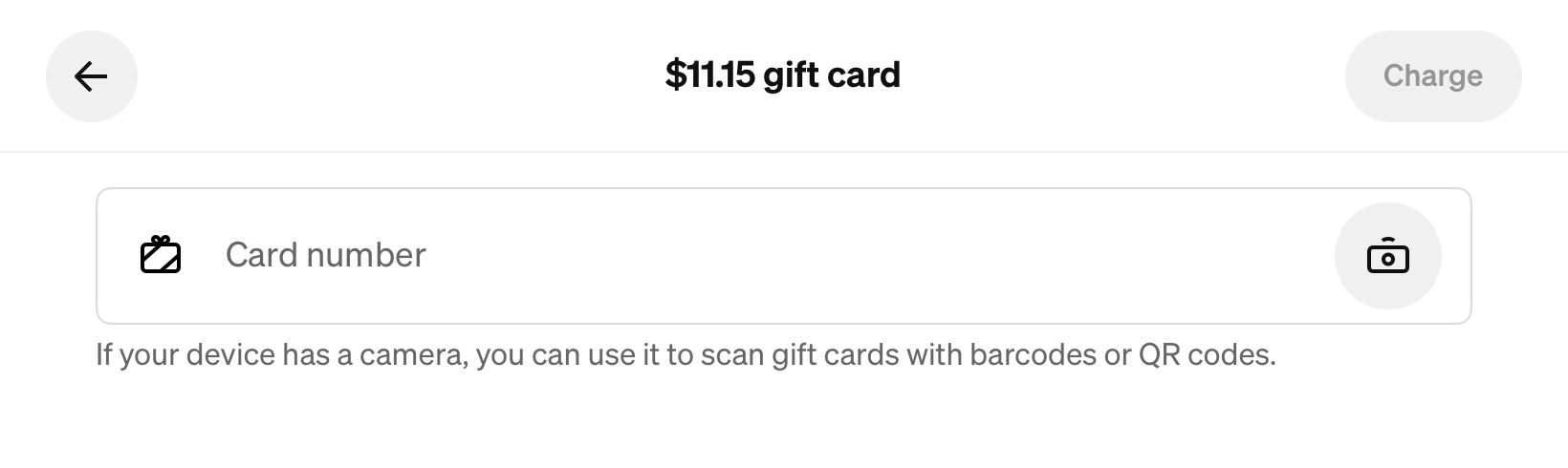
Log into your Square POS and use the 'Gift cards' button at checkout to apply cashback to a customers order.
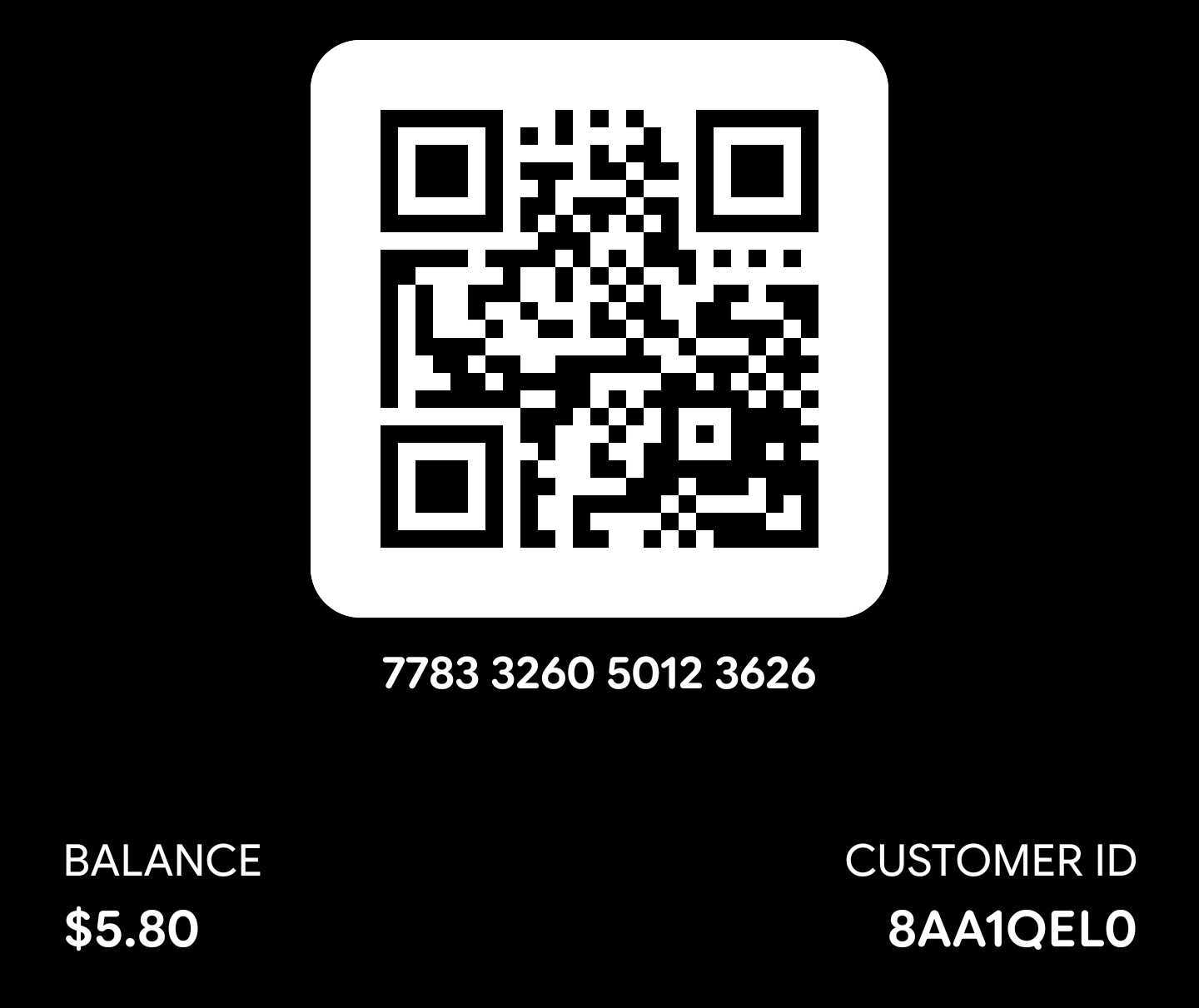
With Cashback for Square on, the customer’s Apple or Google wallet pass uses a Square gift card QR. Staff scan that QR (or enter the 16-digit gift card number shown on the pass) and take payment with Square’s gift card tender.
The myne pass code still appears on the pass for other uses, such as recognising the customer outside Square gift card tender. After a Square gift card payment, the cashback balance in myne decreases by the same amount.
Check balances and activity
Once a customer’s gift card has been created, you can check their balance in:
myne: Go to Customers, open the customer’s profile, and select the Loyalty tab.
Square POS: Use Gift Cards to check the customer’s gift card balance.
Square Dashboard: Go to Items & Services → Gift Cards → Overview.
Balances stay in sync as customers earn and spend. Eligible purchases earn cashback at the rate configured in myne, increasing the Square gift card balance. Gift card payments at Square POS reduce the cashback balance in myne.
Other credits added in myne also increase the gift card balance. Changes made directly in Square, such as clearing a gift card balance in Square Dashboard, update the cashback balance in myne too

Square fees
Square Gift Cards has no monthly subscription fee. In Australia, Square charges a 2.5% load fee on amounts added to a gift card, including cashback loaded through this integration. The fee is charged to your Square seller account.
For example, loading $10 of cashback incurs a $0.25 fee. There is no additional Square fee when the customer redeems it.
See Square Gift Card pricing for current pricing, or check your region’s pricing if you are outside Australia.
Turn off Cashback for Square
On Settings → Integrations → Square, turn off Enable Cashback for Square and confirm. myne Cashback stays on. Wallet passes go back to the standard myne cashback QR, so Square POS will no longer treat them as Square gift cards.
POS sales sync and Square Loyalty (if you use it) are not affected.
Related: Connect Square POS to myne · Redeem Cashback with myne