
Connect Tyro
Map venues to Tyro so card payments can be recognised
Published · Updated
 Lakshey
Connecting Tyro helps myne recognise customers through the card they use to pay. Once a card has been linked to a customer, future Tyro payments can be associated with the same profile, giving you a clearer view of when they visit, what they spend, and how often they return.
Tyro can also support card-linked loyalty. Once a customer’s card is linked, they can earn loyalty automatically when they pay with that card, without needing to scan or identify themselves again each visit.
Connect Tyro once for your brand, then map each location to its Tyro merchant ID so myne knows which payments belong to each venue.
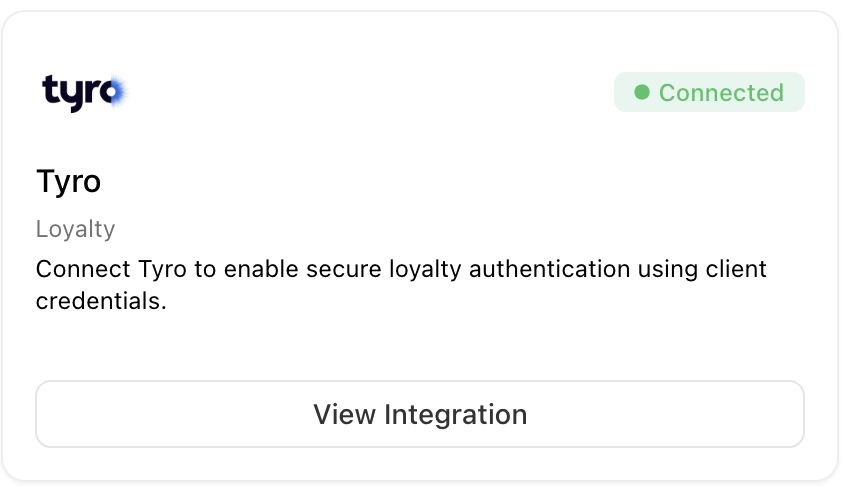
Connect Tyro
Go to Settings → Integrations → Tyro.
Under Connection, select Connect.
Complete the Tyro authorisation screen.
When the connection is successful, the status changes to Active.
Map your locations
After connecting Tyro, map each location that accepts Tyro payments to its merchant ID.
Choose a Brand location.
Enter its Tyro merchant ID.
Select Submit.
The location appears under Saved Tyro merchant mappings. Repeat this for each location you want to connect.
How Tyro works with customer profiles
Once a location is mapped, myne can use Tyro payment activity from that venue to help build the customer's profile.
When a customer's payment card has been linked to them, future payments made with that card can be recognised against the same customer. This helps bring their visits and spend together over time rather than treating each transaction as anonymous activity.
New payments from mapped locations continue updating in myne automatically.
Link cards and recognise customers in venue
Connecting Tyro links your venues’ card payments to myne. To recognise customers on future Tyro transactions, you also need to link the payment card they use to their myne profile.
You have two card-linking options depending on how the customer connects and pays:
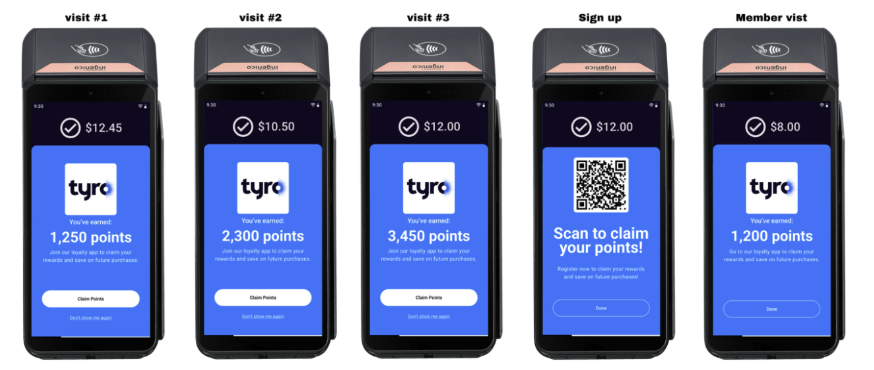
Tyro on terminal loyalty - Tyro provides merchants with the ability to sign up straight after a payment has been made. This link already has the customers payment card tokenised and stored. So filling out their personal details and signing up to myne will automatically link their card.
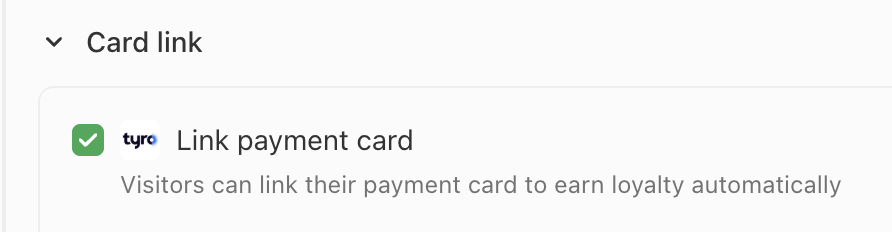
Card not present form: You can ask a customer to manually enter their card details during the regular connection flow process. When setting up connection pages or promotions. Whenever you tick 'Require customer connection' you can also choose to enable Link payment card for Tyro. Use this flow if you are capturing details before a transaction takes place in your venue or online.
Disconnect Tyro
To remove the connection, select Disconnect and confirm. You can reconnect Tyro later from the same page.