
Add custom properties
Define the extra fields you store on customers and businesses
Published
 Lakshey
Custom properties are the extra fields your brand defines — for example dietary notes, a membership type, or a deal value. They can apply to customers, businesses, and other records, and they are what you add onto connection forms.
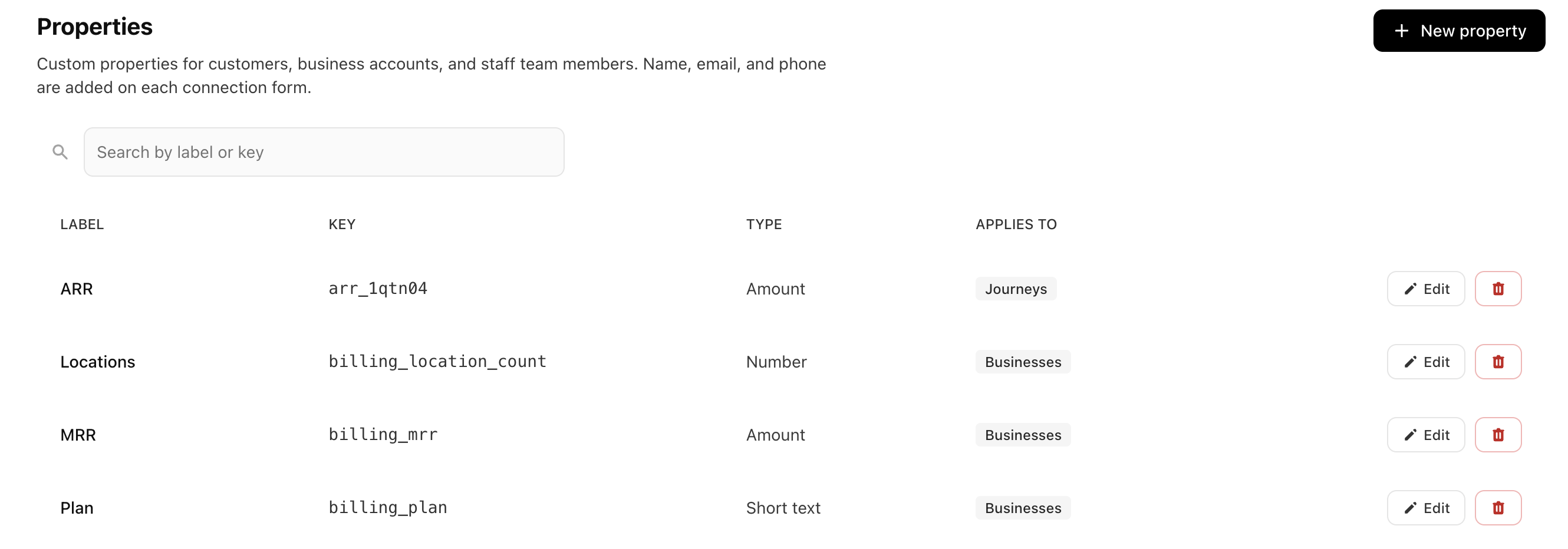
Open Settings → Brand → Properties. If you do not see Properties, ask your myne contact — this is often set up with you during implementation.
Create a property
Select New property.
Enter a Label (what people see).
Choose Applies to: Customers, and Businesses if the field also belongs on a business account.
Choose a Type. Use Amount for money and Number for a plain figure (counts, scores, quantities).
Select Create.
The property appears in the list. You can edit it later with Save changes, or remove it if you no longer need it.
Add the property to a form when you want customers to fill it in themselves — see Create connection forms. You can also set values on a profile, in a journey, or from myneAI.