
Add and manage a business
Create an account, update details, and archive or merge duplicates
Published
 Lakshey
Add a business when you start working with a company. You can then keep its details up to date, assign an owner, and archive or merge accounts you no longer need.
Before you start
Business accounts must be on. If you do not see Businesses in the sidebar, follow What are businesses? to enable them. You need CRM edit access to create or change accounts.
Add a business
Go to Businesses.
Click the Black plus Icon top right.
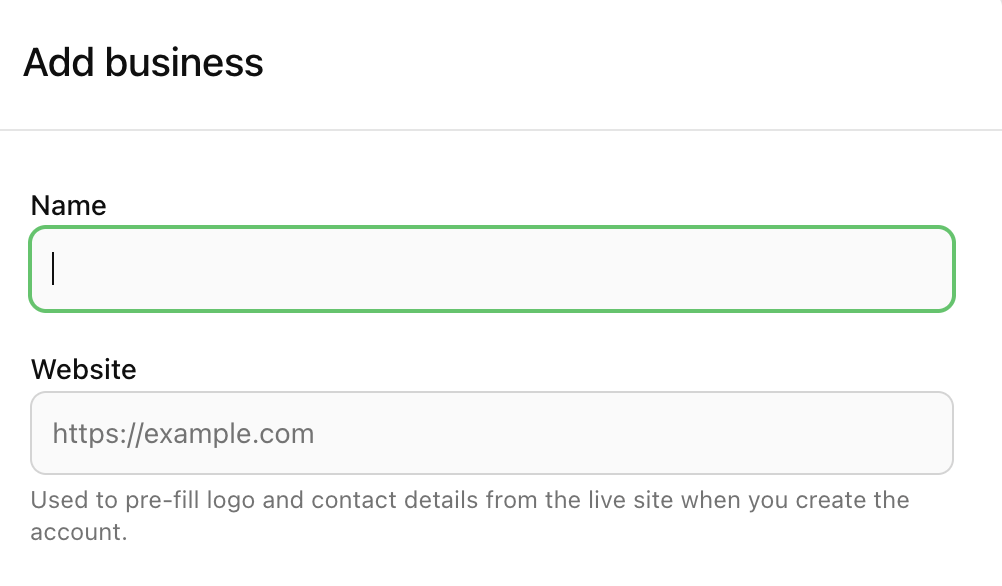
Enter a Name (required). You can also add a website, summary, phone, address, and any properties your brand uses.
Select Create.
The new account opens so you can add contacts and activity. You can also add or link a business from a contact’s Businesses tab.
Find and filter accounts
On the Businesses list, search by name. Use All accounts, My accounts, or Unassigned to focus on ownership, and Activity or Engagement to narrow by Active, Inactive, Engaged, or Disengaged.
Advanced filters let you build a tighter view. Create Group saves those filters as a business group. Groups you add an account to from the record itself are manual groups only.
Update details
Open the business and select Details. Change the name, website, logo, owner, parent business, phone, address, or properties, then select Save Changes.
Account owner is who is responsible for the account. AI Enrich can fill empty fields from the website when you have one saved.
Above the tabs you can Add to group or Add to journey without leaving the record.
Archive or merge
There is no delete for operators. Use archive when the account should leave the list.
Open the business → Details.
Select Archive Business and confirm.
The account disappears from the Businesses list and from linked businesses on contacts. Contact links are kept, so you can still see the people.
If two records are the same company, open the one you want to keep, select Merge business, then Merge into this business. Contacts, activities, and history from the duplicate move here, and the other record is removed.