
Introduction To Business Profiles
Company accounts for suppliers, partners, and wholesale relationships
Published
 Lakshey
Businesses are company accounts you work with in myne — suppliers, partners, wholesale accounts, or venues you sell to. Each business holds the people, notes, activities, and follow-up work for that account. Use Businesses if you are a Wholesaler of Services looking to manage your B2B relations through myne.
People on a business are contacts, not customers. Use a customer record for someone who visits your venue or shops with you. Use a contact when the person belongs to a company you work with.
Turn on business accounts
Businesses stay hidden until you enable them.
Go to Settings → Integrations → Business accounts.
Turn on Enable business accounts.
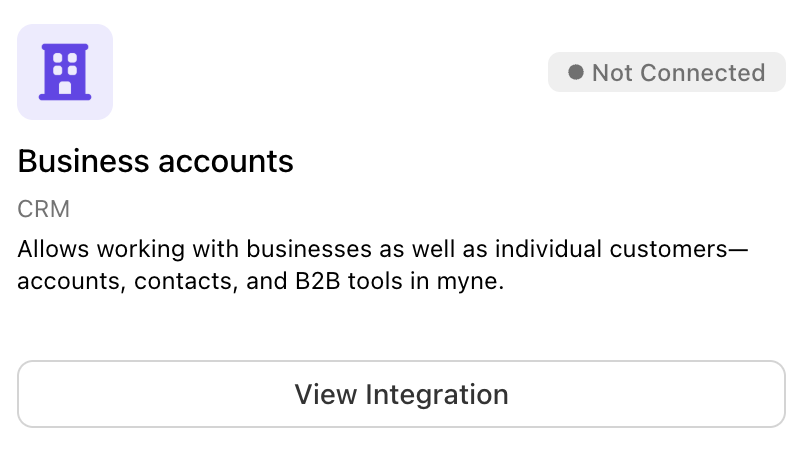
The sidebar then shows Businesses. Your people directory is labelled Contacts instead of Customers. Tasking also turns on for the brand so you can assign follow-up work on accounts.
You need CRM access to open Businesses. Marketing Coordinator roles do not see this area. Sales Manager and Sales Team roles appear when business accounts are on.
What you can do with a business
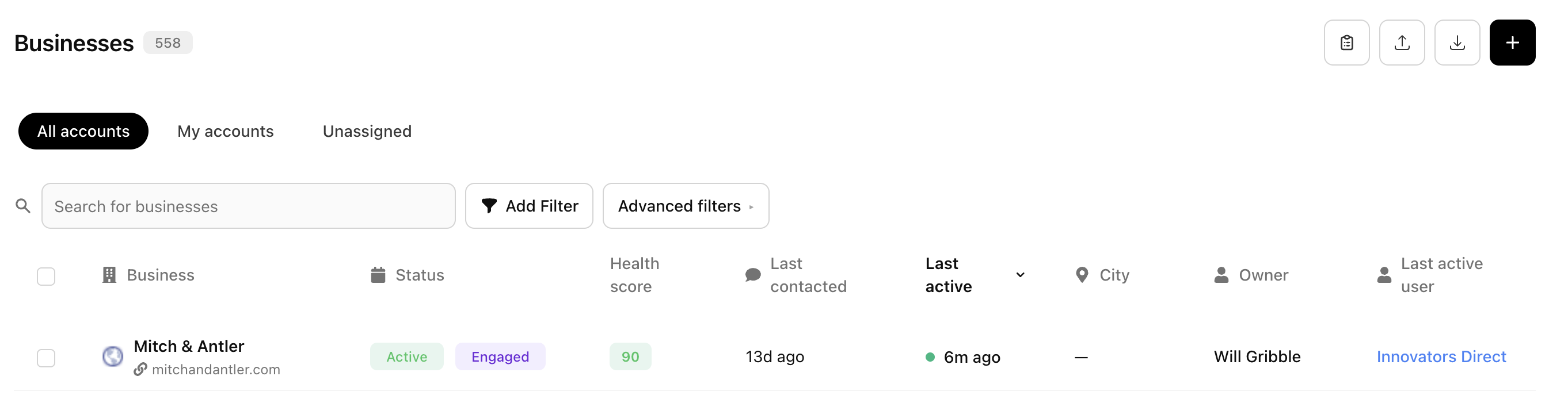
Open Businesses to see your accounts. From a business you can:
Keep company details, an owner, and an address.
Link contacts and mark one as primary.
Log activities such as meetings and calls.
Add tasks, files, and (where you use them) journeys and business groups.
A contact can belong to more than one business, with an optional role on each. Only one contact can be the Primary contact for an account.
How this fits with Journeys and Tasks
Journeys can track Businesses or Contacts. Choose businesses when the work is about the company (for example a sales pipeline of venues). See What are Journeys? for that setup.
Tasks are the follow-ups your team owes on an account or contact. See What are tasks? to create and assign them.